






































Description
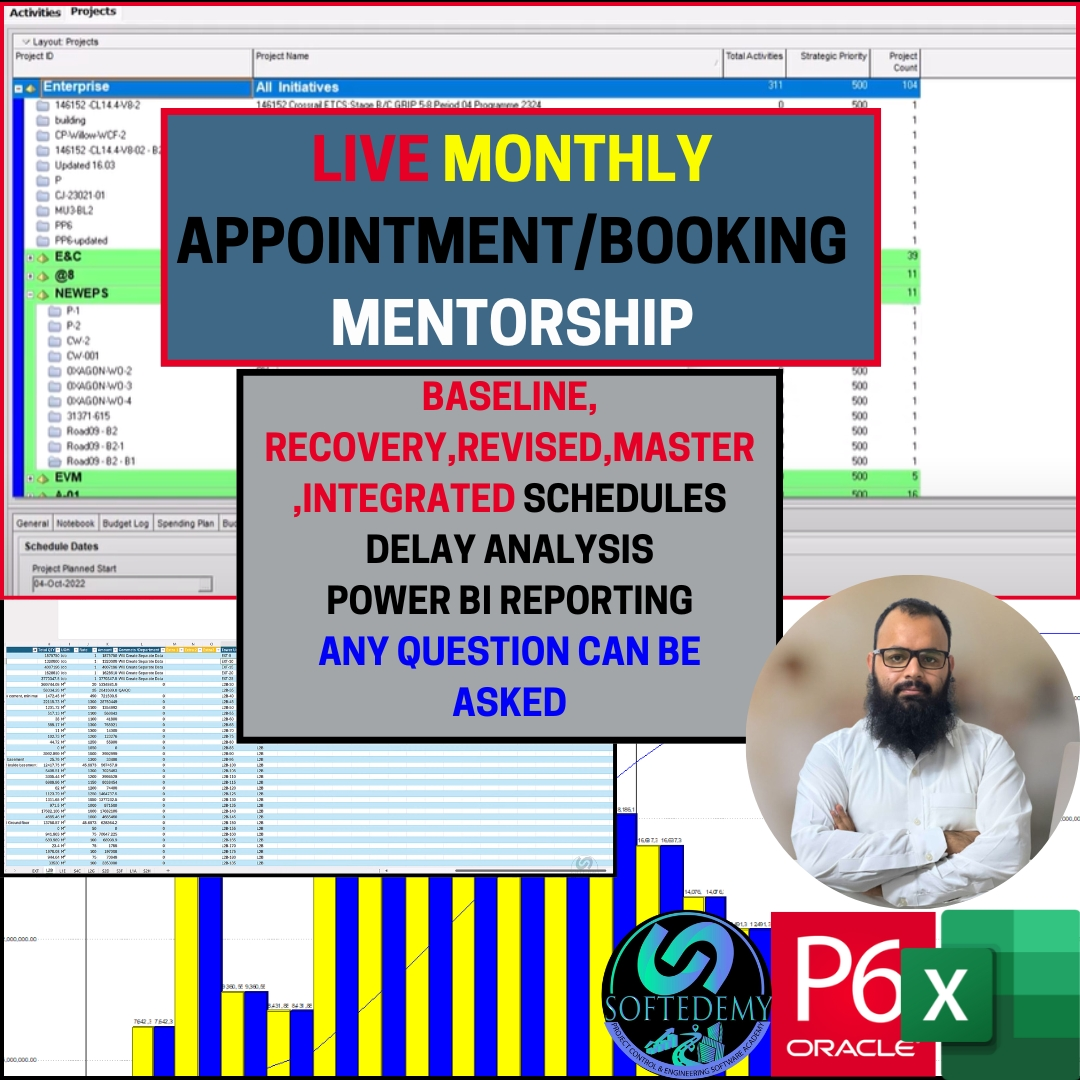
📌 Product / Service Description – LIVE Monthly Appointment/Booking Mentorship (Project Controls & Scheduling Expert Support)
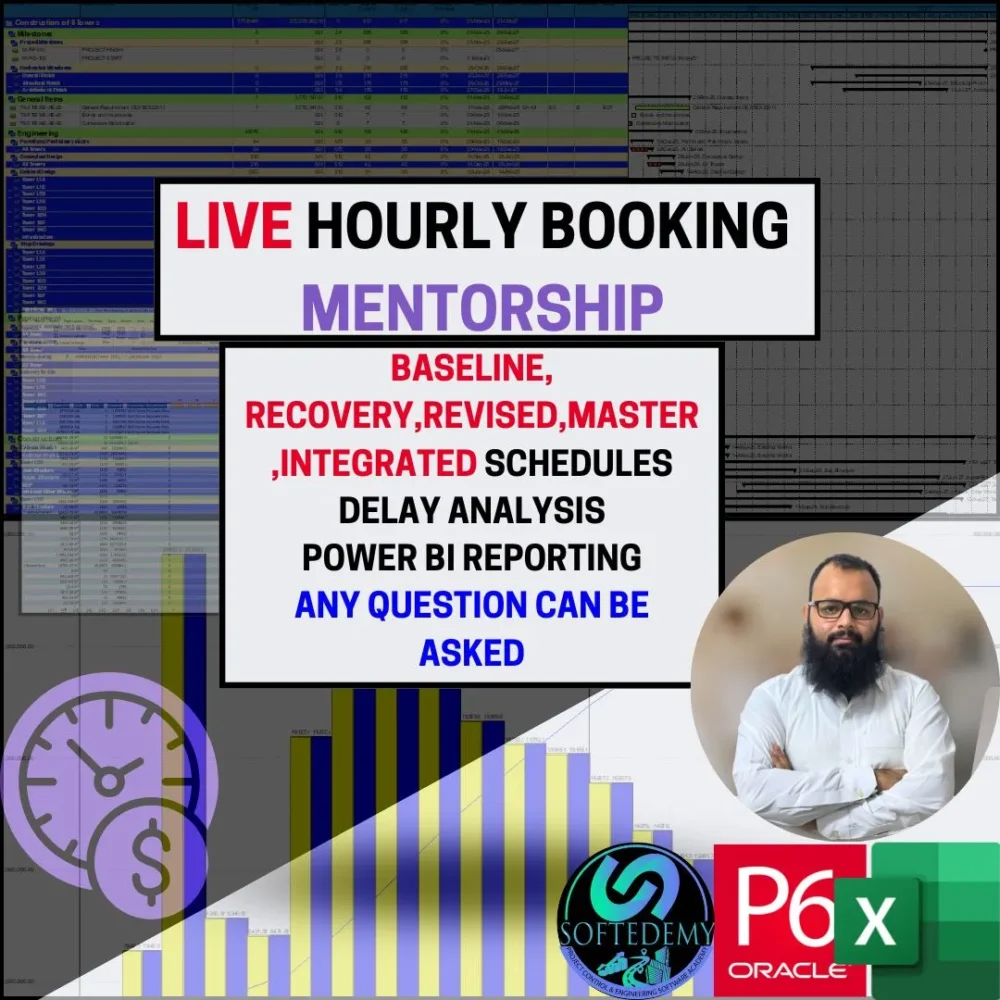
This LIVE Monthly Appointment/Booking Mentorship is a tailored, professional service designed to offer ongoing support and mentorship for your project scheduling and project control needs. It combines the power of Primavera P6, Power BI, Excel, and MS Project with personalized, live guidance to solve real-world scheduling problems. It’s not just training — it’s about mentorship, problem-solving, analysis, and advanced report generation that fits your specific project needs.
💼 Detailed Description of Our Services & Tasks:
✔️ Baseline Schedule Preparation
Creating a complete baseline schedule at the start of the project to represent the project flow, milestones, and deliverables accurately.
✔️ Recovery, Revised, and Integrated Schedules
Recovering delays, revising schedules, and integrating multiple schedules to generate updated and unified project plans.
✔️ Delay Analysis / Schedule Health Check
Conducting in-depth delay analysis, understanding root causes, and offering solutions to get the project back on track.
✔️ Primavera P6 Schedule Issues Resolution
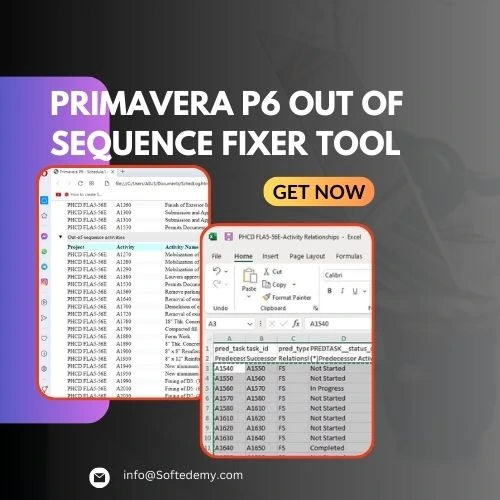
Addressing and fixing any Primavera P6 issues such as sequencing errors, logic problems, activity constraints, and data inconsistencies.
✔️ Floats & Lags Management
Optimizing schedule floats, removing excessive lags, and reducing inefficiencies to improve project flow and meet deadlines.
✔️ Narrative Report & Detailed Reporting Format
Preparing structured, detailed narrative reports that communicate problems, solutions, and recommendations clearly to stakeholders.
✔️ Power BI Reporting & S-Curve Creation
Using Power BI for data visualization and creating S-Curves (Planned vs Actual vs Earned) to track project performance and identify trends.
✔️ EV = PV, Ensuring Schedule Performance Alignment
Aligning Earned Value (EV) with Planned Value (PV) to ensure consistent project performance and timely delivery.
✔️ Resource Histogram, Allocation, and Loading
Analyzing, allocating, and balancing project resources using histograms and resource loading techniques to optimize workforce distribution.
✔️ Cost Loading & Duration Optimization
Loading costs into the project schedule and using cost-effective strategies to reduce project duration while maintaining quality.
✔️ Activity IDs & Logic Correction
Standardizing activity IDs, fixing logic errors, and resolving sequence issues to keep the schedule organized and accurate.
✔️ Risk Management & Mitigation
Identifying and analyzing project risks, creating mitigation plans, and embedding risk assessments into schedules for more predictable outcomes.
✔️ Critical Path & Float Analysis
Optimizing and maintaining the critical path to ensure the project stays on track, while regularly monitoring the float to detect potential delays.
✔️ Earned Value Management (EVM) & Reporting
Implementing EVM techniques to monitor performance and forecast future project performance based on earned and planned value.
✔️ Monthly Progress Reporting & Trend Analysis
Providing monthly reports on project progress, tracking performance trends, and identifying early warning signs of issues.
✔️ Project Control Templates & Dashboards
Creating custom templates and dashboards that help track key performance indicators (KPIs), project costs, and schedule performance.
✔️ Change Management & Impact Analysis
Assessing and managing changes to scope, costs, and schedule, and analyzing the impact of changes to keep the project on track.
✔️ Forecasting & Long-term Planning
Using Primavera P6 and Power BI to forecast project timelines and plan for future milestones, ensuring strategic alignment with business objectives.
📈 Other Similar Professional Tasks We Cover:
-
Monthly project review and health checks
-
Schedule comparison and baseline setup for monthly cycles
-
Risk mitigation and crisis management
-
Resource leveling and optimization strategies
-
Detailed project cost tracking and forecasting
-
Performance trend analysis for monthly progress
-
Custom project tracking dashboards and reporting
-
Project scheduling for multi-phase or multi-project environments
🔧 Tools and Support Provided:
-
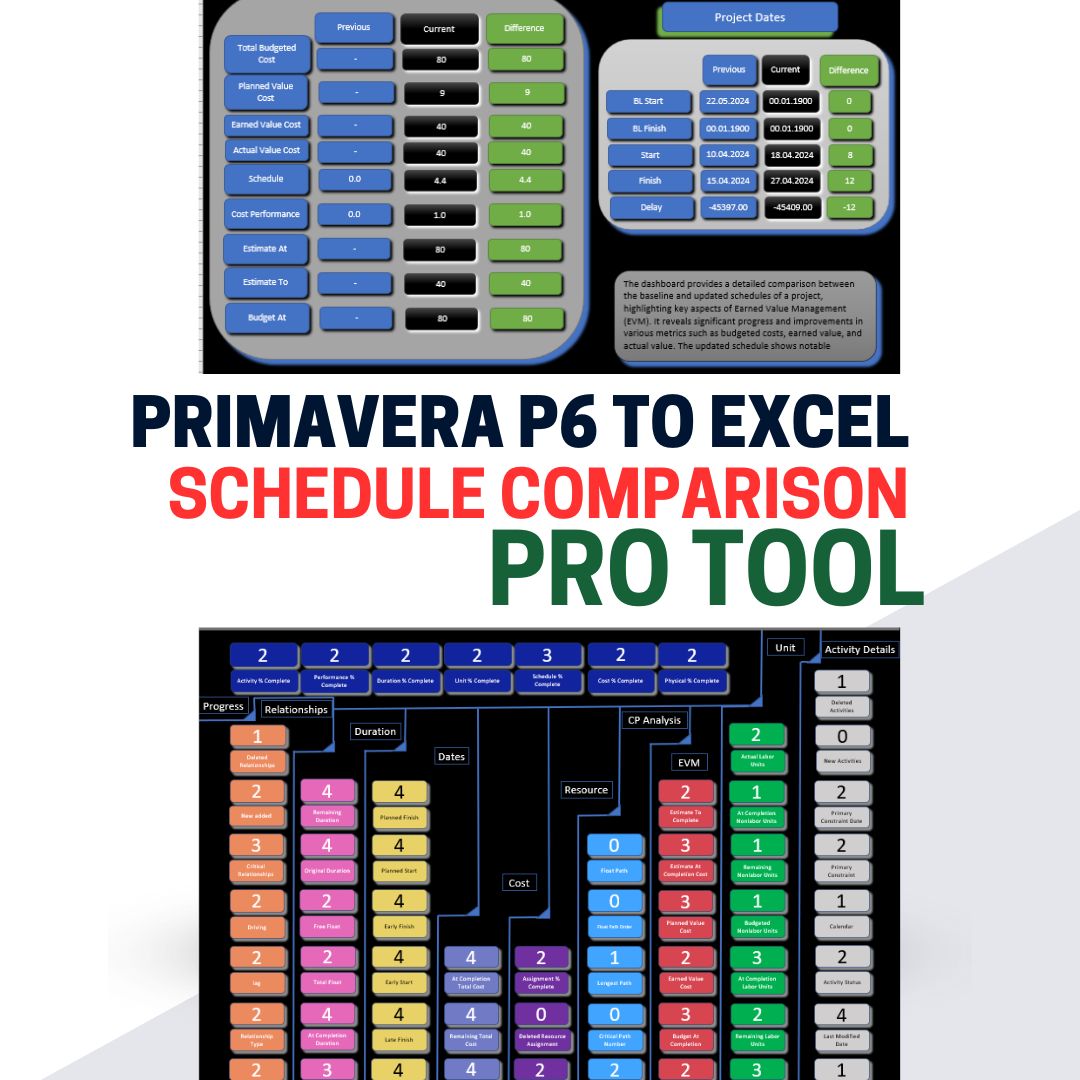
Softedemy’s exclusive automation tools (Scheduler Analyzer, Schedule Comparison tools, etc.)
-
Excel-based analysis templates for resource and cost management
-
Power BI dashboards for comprehensive project reporting
-
Custom reporting formats tailored to your needs
📚 Training + Mentorship:
This is not just consultation; it’s full mentorship. With Monthly Appointment/Booking, you will have ongoing support to help you manage and control your project schedules, solve problems, and optimize performance. Whether you’re dealing with project delays, cost overruns, or resource allocation, you will have expert guidance every step of the way.
📍 Note:
Any Primavera P6, Power BI, MS Project, schedule forecasting, delay analysis, Earned Value (EV) reporting, or project control-related issue can be addressed. With Monthly Appointment/Booking, you’ll receive answers and solutions to every question throughout the month.
How It Works – Monthly Appointment/Booking Method:
-
Select Monthly Appointment: Choose the Monthly Appointment option for ongoing mentorship. This allows you to schedule regular, recurring sessions based on your preferred day/time.
-
Select Number/Person: If you need mentorship for one person, click on “1” under the number/person selection.
-
Choose Date: In the date section, select the date for your first mentorship session of the month.
-
Select Hour: After selecting the date, click on the hour that works best for you (e.g., 02:00 PM).
-
Click Book Now: Once you’ve selected the date and time, click on the “Book Now” button.
-
Go to Cart: From the top cart option, click on it to review your selection and ensure everything is correct.
-
Proceed to Checkout: After confirming the details, proceed to the checkout page.
-
Fill in Your Details: On the checkout page, fill in your personal details as requested.
-
Select Payment Method: Choose your preferred payment method.
-
Place Order: After payment, your monthly mentorship sessions will be confirmed and your ongoing support will begin!
Reviews
There are no reviews yet.